DVS Filter control PCBA (Wi-Fi)
***** DOWNLOAD THE FILE HERE, CLICK HERE FOR THE FILE ***** (RIGHT CLICK OPEN NEW WINDOW TO DOWNLOAD )
YouTube Video Instruction here https://youtu.be/VOmpjPgm314?si=TVE7Np-VsnkxfiQ0
1 Summary
Manual for wireless update of application software. The word update implies that the filter control board must already be equipped with software that supports OTA. In other words, you cannot program an empty filter control board via OTA.
2 Purpose
This software update is intended for HW10.7 printers equipped with SW1052. After the update, the software version is SW1054. Note: software version SW1052 has a bug where the circulation pump sometimes switches off unintentionally (it does switch back on later).
3 Warnings
During an OTA update, relays on the filter control board may switch uncontrollably. Therefore, preferably disconnect all plugs for pumps and motors from the filter control unit.
The distance between the filter control unit and the computer (laptop) must not exceed a few
meters.
4 Supplies
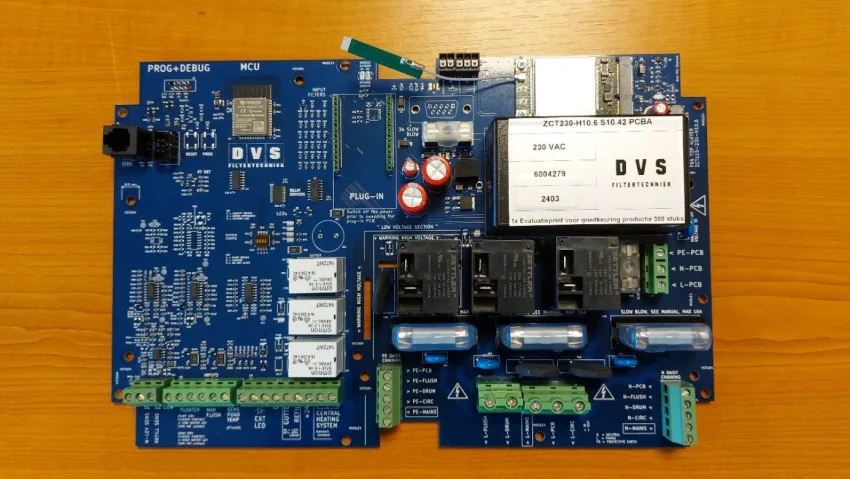
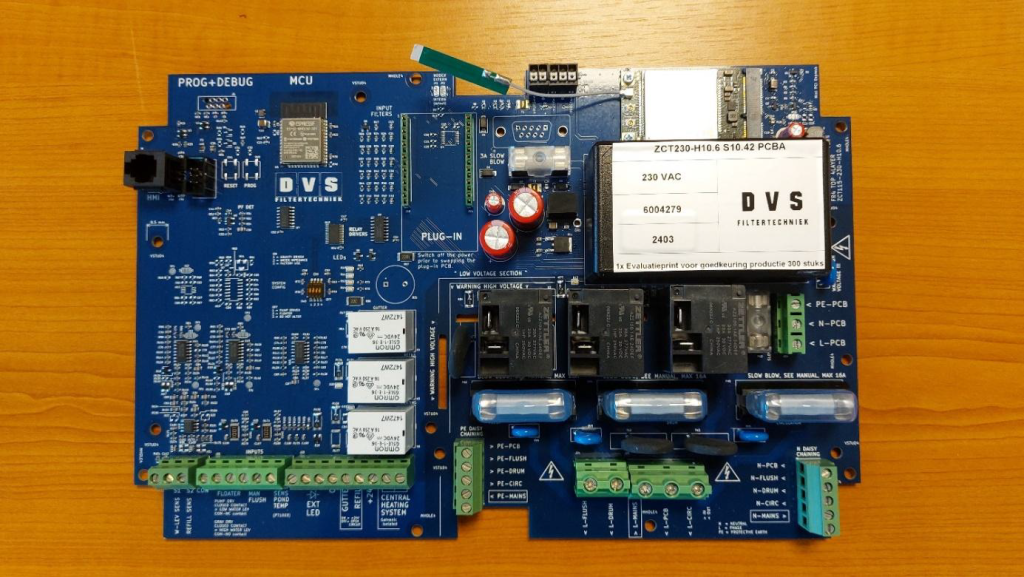
Functioning filter control unit equipped with Wi-Fi plug-in PCB.
File: “firmware.bin”.
Computer (laptop) with Wi-Fi and web browser.
5 Remark
The file “firmware.bin” is supplied by DVS. The software version cannot be deduced from the file name.
6 Procedure
6.1 Preparation
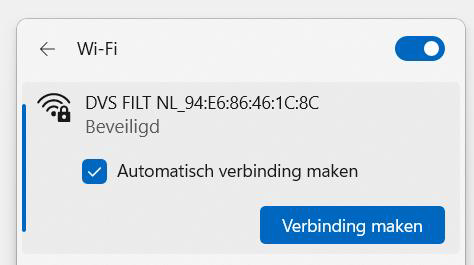
Switch on the filter control unit, wait 10 seconds, and then select the wireless Wi-Fi DVS FILT NL network as indicated below. The long number indicates the MAC address. This distinguishes between different filter controllers.
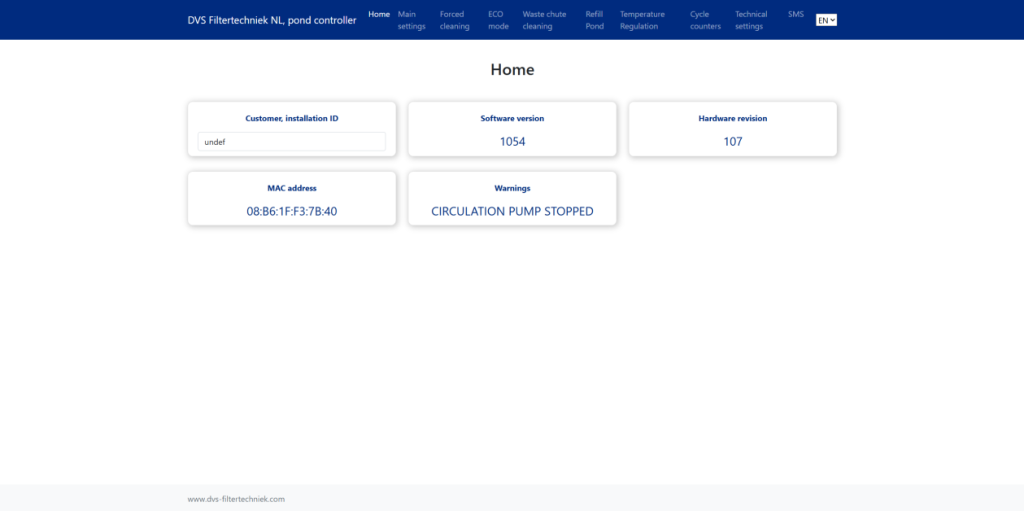
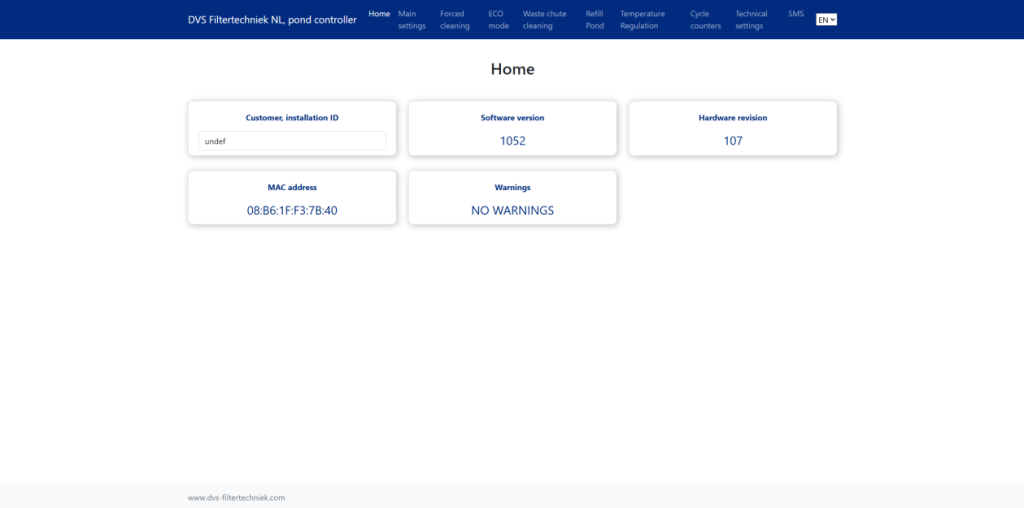
Start the web browser and type the address 192.168.1.1 into the address bar at the top. What you see now is the “homepage” of the built-in web server of the filter control board. This is also the starting point for the OTA update.
6.2 To OTA environment web server
Type the following into the address bar of your web browser: http://192.168.1.1/update. The following screen will then appear in your web browser. Enter your username and password and click login.
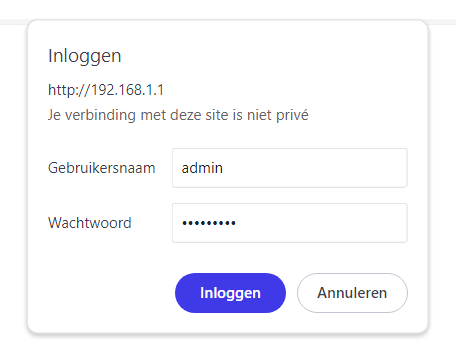
Gebruikersnaam = “admin”
Wachtwoord = “RS14782!#”
This only needs to be entered once when repeatedly programming from the same computer.
Enter the username and password and press login. The following screen will then appear.
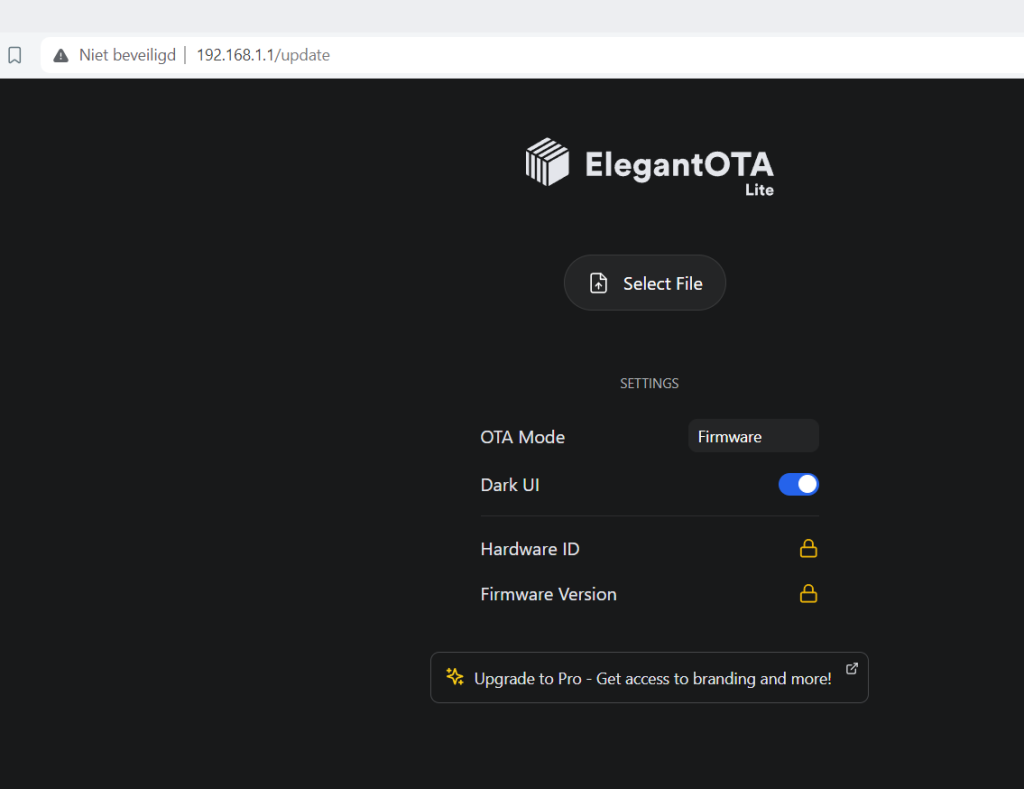
By default, programming the application starts.
(OTA mode=firmware)
6.3 Application Programming
Press “select file” and choose the file “firmware.bin”. The update will start immediately. During the update, relays on the filter control board may
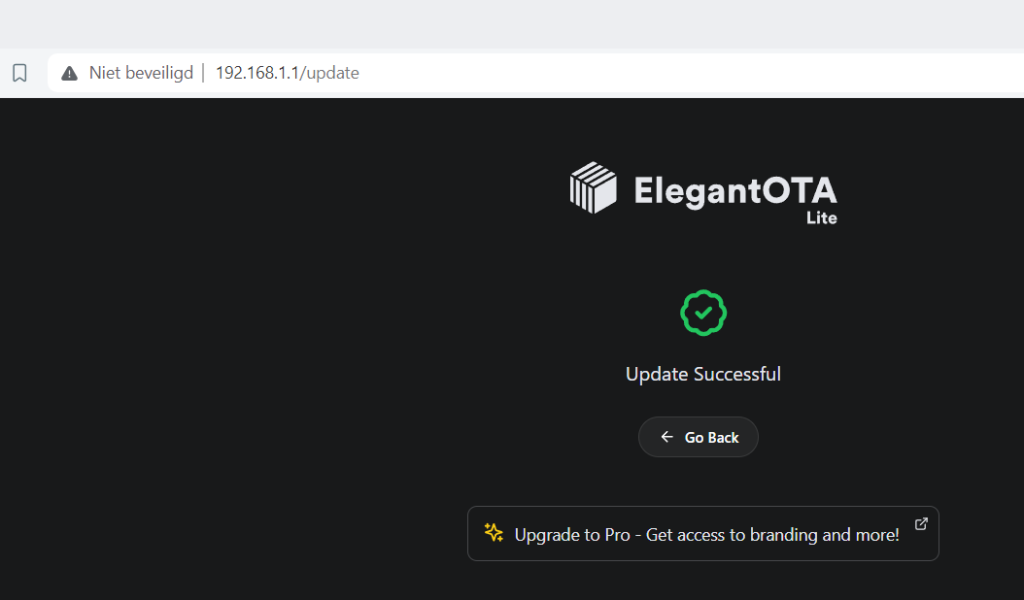
6.4 Controle
Type “192.168.1.1” in the address bar at the top and press Enter. The web server’s homepage will then appear. Next, refresh the screen (F5 key). Check if the hardware and software versions match what has been programmed.